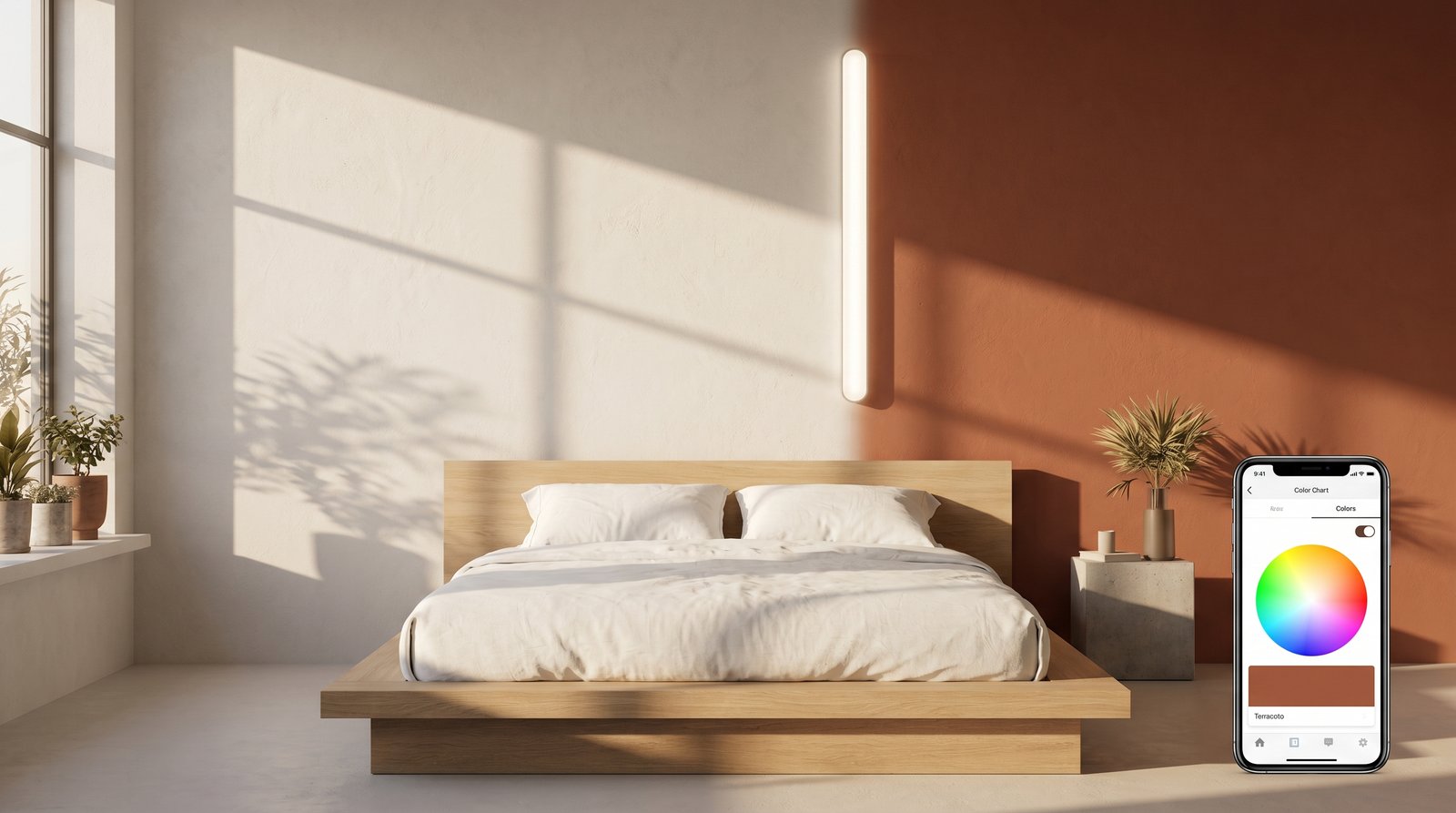
Embarking on a painting project for your home is an exciting venture, yet it often comes with a looming sense of dread: "What if I choose the wrong color?" The process of selecting the perfect paint shade can be surprisingly complex. You browse endless swatches, paint small test patches on your walls, and then spend days agonizing as the light changes, hoping to make the right decision. This traditional method is time-consuming, messy, and still leaves room for doubt. But what if there was a way to truly see your wall colors before you paint, eliminating the guesswork and boosting your confidence?
Enter the world of the AI paint visualiser – a revolutionary tool that's changing how homeowners and designers approach color selection. With cutting-edge artificial intelligence, you can now virtually "try on" hundreds, even thousands, of paint colors directly onto photos of your own rooms. Imagine being able to instantly see how a serene sage green transforms your bedroom or how a bold navy revitalizes your living room, all from the comfort of your couch. This isn't just a gimmick; it's a powerful design assistant that saves you time, money, and most importantly, stress.
At ryy.com, we understand the challenges of interior design, which is why we've developed intuitive AI tools to empower you. Our free AI paint visualiser is designed to make your design journey enjoyable and successful. Let's dive into how this technology works, its incredible benefits, and how you can use it to confidently choose your next wall color.
What is an AI Paint Visualiser and How Does it Revolutionize Color Selection?
An AI paint visualiser is a sophisticated digital tool that uses artificial intelligence and often augmented reality (AR) to render paint colors onto a digital image of your room. Instead of relying on small paper swatches or messy test pots, you can see a realistic representation of what your walls will look like with a new coat of paint.
The Technology Behind the Magic: AI and Image Recognition
At its core, an AI paint visualiser leverages advanced image recognition algorithms. When you upload a photo of your room to a platform like ryy.com, the AI analyzes the image, identifies the walls, and then intelligently "paints" them with your chosen color. This process accounts for various factors that influence how a color appears, such as existing lighting conditions, shadows, and even the texture of the walls, striving for a highly accurate preview.
- Sophisticated Segmentation: The AI identifies distinct surfaces like walls, ceilings, and trim, separating them from furniture, windows, and doors. This ensures only the intended areas are "painted."
- Realistic Rendering: Beyond simply overlaying a color, the AI applies sophisticated algorithms to simulate how light interacts with the new color, accounting for sheen (matte, eggshell, semi-gloss) and existing shadows to provide a truly lifelike room color preview.
- Vast Color Libraries: Modern paint visualisers are integrated with extensive color palettes from leading paint brands, giving you access to thousands of shades with precise color codes.
This intelligent approach means you're getting more than just a flat color fill; you're getting a dynamic visual that helps you make a truly informed decision. It's the ultimate digital swatch book, brought to life in your own home.
The Transformative Benefits of Using a Wall Color AI Tool
The advantages of using a wall color AI tool extend far beyond mere convenience. They address fundamental pain points in the design process, making it more efficient, enjoyable, and ultimately, more successful.
Eliminate Costly Mistakes and Regret
One of the biggest fears when painting is choosing a color you'll quickly regret. Repainting is expensive, time-consuming, and frustrating. A wall color AI tool virtually eliminates this risk. By previewing multiple options before buying a single can of paint, you can confidently commit to a shade that you know will work. No more purchasing gallons of paint only to discover it looks completely different on your walls than it did on the tiny swatch.
Save Time and Effort
Imagine the hours saved. No more trips to the hardware store for countless paint chips, no more painting messy test patches, and no more waiting for paint to dry. With an AI paint visualiser, you can experiment with dozens of colors in minutes, all from the comfort of your home. This efficiency allows you to spend more time refining your vision and less time on tedious tasks.
Experiment Freely and Unleash Your Creativity
The digital environment encourages fearless experimentation. Ever wondered what your dining room would look like in a vibrant coral, or your home office in a deep forest green? With a paint visualiser, there are no consequences for trying bold colors. This freedom to play and explore often leads to unexpected and delightful design discoveries that you might never have considered with traditional methods. It encourages you to step outside your comfort zone and discover your true design preferences.
Visualize Lighting and Its Impact
Color is heavily influenced by light. A shade that looks perfect in a brightly lit showroom might appear entirely different in your north-facing living room or under artificial evening light. The AI paint visualiser, by working with a photo of your actual room, helps you account for these nuances. While it can't perfectly replicate every lighting condition, it provides a far better real-world representation than a flat swatch.
Mastering Your Room Color Preview with ryy.com's AI Tool
Using ryy.com's free AI paint visualiser is incredibly straightforward, designed to be intuitive for everyone, regardless of their tech savvy. Here’s a simple guide to get the most out of your room color preview experience.
Step-by-Step Guide to Using ryy.com's Visualiser
- Capture Your Space: Start by taking a clear, well-lit photo of the room you intend to paint. Ensure the entire wall surface is visible, and try to minimize clutter for the AI to accurately detect the wall areas. Good natural light is always best.
- Upload Your Photo: Visit ryy.com and navigate to our free AI paint visualiser tool. Upload your chosen photo with a simple click or drag-and-drop.
- Let AI Do the Work: Our AI will automatically analyze your image, identifying the walls and other key architectural features. In most cases, it will perfectly segment the areas you want to paint. If minor adjustments are needed, our intuitive editing tools allow you to refine the selection.
- Start Visualizing Colors: Browse through our extensive color palettes, which include popular shades from various brands. Click on any color, and instantly see it applied to your walls.
- Experiment and Compare: Try different shades, compare multiple options side-by-side, and save your favorite designs. You can even switch between paint brands or explore different color families – warm neutrals, cool blues, vibrant yellows, deep greens, and more.
- Download and Share: Once you've found your ideal color, you can download the visualized image to share with family, friends, or your painter. This also provides a clear reference when you head to the paint store.
Tips for the Best Room Color Preview Results
- Good Lighting is Key: Take photos in natural daylight without harsh direct sun or heavy shadows. This gives the AI the clearest image to work with.
- Clear Walls: While our AI is smart, photos with fewer obstructions (large furniture pushed against walls, excessive wall decor) will yield the most accurate segmentation.
- Multiple Angles: Take a few photos from different angles to get a comprehensive view of how a color might look throughout the room.
- Consider the Entire Palette: Don't just focus on the main wall color. Think about how it complements your flooring, furniture, artwork, and even the natural light sources in the room.
- Test Multiple Shades: Even if you have a color in mind, try a few shades lighter and darker, or with different undertones (e.g., a blue-gray vs. a green-gray) to see the subtle differences.
- Save Your Favorites: Our tool allows you to save multiple designs. Create a "shortlist" of your top choices to revisit and compare later.
Beyond Walls: Integrating Your Chosen Paint with Overall Design
While the primary function of an AI paint visualiser is to preview wall colors, its true power lies in how it helps you integrate that color into your overall interior design scheme. A single wall color decision can ripple through the entire room's aesthetic.
Coordinating with Existing Furniture and Decor
Before painting, you likely have existing furniture, artwork, and decor pieces. The paint visualiser allows you to see how a new wall color interacts with these elements. Does that new charcoal gray make your sofa pop or recede? Does the vibrant teal clash with your existing artwork, or does it bring out its hidden beauty? This visual context is invaluable for creating a cohesive and harmonious space.
Creating Mood Boards and Design Concepts
Think of your visualized room as a living mood board. You can save different color combinations and use them as a foundation for further design decisions. Once you've settled on a wall color, you can then more easily choose complementary textiles, accent pieces, or even plant arrangements, knowing they will harmonize with your chosen backdrop. This iterative process helps build a strong, unified design concept.
Considering Flow Between Rooms
If you're painting multiple rooms, it's crucial to consider the flow between them. Will the transition from your vibrant kitchen to your serene living room be jarring or smooth? Using the AI paint visualiser on photos of adjacent rooms allows you to plan your color palette for the entire home, ensuring a cohesive and inviting atmosphere throughout your living space.
Seasonal Updates and Future Planning
The visualiser isn't just for major renovations. You can use it to plan seasonal refreshes or future updates. Want to try a darker, cozier shade for winter or a lighter, airier one for spring? A quick upload and few clicks can help you decide without committing. It becomes a valuable tool for ongoing home evolution.
Conclusion: Paint with Confidence Using Your AI Paint Visualiser
The days of costly paint mistakes and endless swatches are behind us. The advent of the AI paint visualiser has democratized interior design, putting powerful visualization tools directly into the hands of homeowners. It transforms a potentially stressful decision into an exciting and empowering creative process. By offering a realistic room color preview, tools like ryy.com's AI paint visualiser give you the confidence to choose the perfect shades for your home, knowing exactly what to expect before the first brushstroke.
No longer do you need to guess or hope for the best. With a reliable wall color AI at your disposal, you can experiment, compare, and finalize your paint choices with absolute certainty. Ready to embark on your next painting project with confidence and creativity?
Stop guessing and start seeing! Visit ryy.com today to try our free AI paint visualiser and transform your home design journey. Your perfect wall color is just a click away!