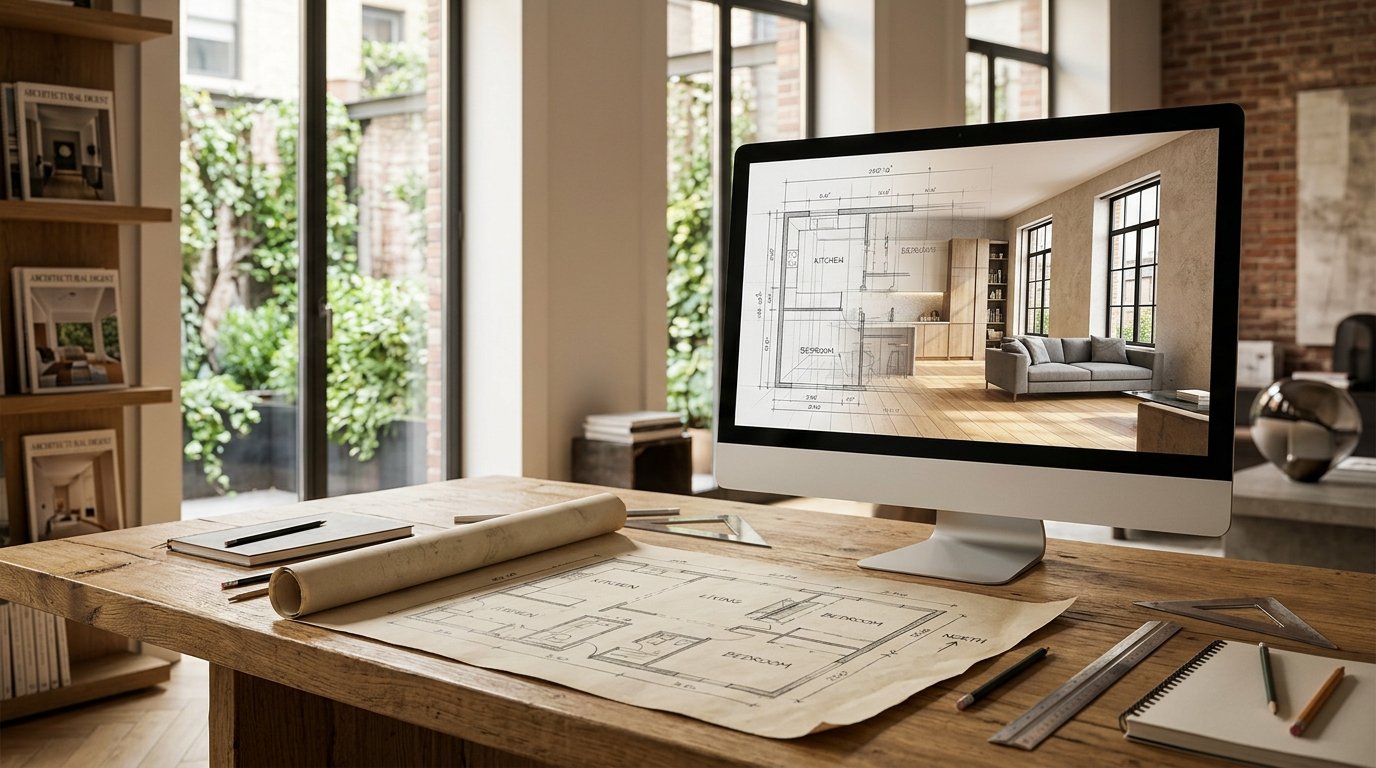
There's a unique satisfaction that comes from sketching out your dream home or a renovation idea on paper. The lines, the dimensions, the flow – it all starts as a simple, hand-drawn floor plan. But while these sketches are invaluable for conceptualizing, translating them into a tangible, visually rich reality can be a daunting leap. How do you truly see what your vision will look like? Historically, this required expensive professional renderings, complex software, or a vivid imagination. Today, the game has changed completely. Thanks to advancements in artificial intelligence, you can now effortlessly take your hand-drawn floor plan AI render with astounding realism and detail.
At ryy.com, we're empowering homeowners and design enthusiasts to bring their spatial ideas to life like never before. Imagine seeing your penciled sketch transformed into a fully furnished, photorealistic 3D space, complete with textures, lighting, and interior design styles of your choosing. This isn't science fiction; it's the incredible capability of AI design tools, and it's simpler to achieve than you might think.
The Evolution of Design: From Sketch to Screen with AI
The journey of any great design often begins with a fundamental sketch. This tactile, immediate method allows for fluid creativity and quick ideation. However, the gap between a 2D line drawing and a fully immersive 3D environment used to be a chasm. AI has now built a magnificent bridge across it.
Why Hand-Drawn Plans Are Still Valuable
Despite the prevalence of digital tools, the humble hand-drawn floor plan remains a powerful starting point. It's accessible, requires no special software, and encourages spontaneous creativity. For many, it's the most natural way to express initial spatial relationships, room sizes, and functional zones. You can quickly iterate, erase, and redraw without getting bogged down in software intricacies. It’s a pure, unadulterated expression of your design intent.
The Limitations of 2D Sketches
While excellent for conceptualization, 2D sketches inherently lack the depth and visual information needed for full comprehension. It's difficult to gauge how furniture will fit, how light will affect a space, or what the overall "feel" of a room will be. Will that open-concept kitchen truly flow into the living area? How will the chosen color palette look with your preferred flooring? These are questions a flat drawing simply cannot answer, leading to guesswork, potential costly mistakes, and a general lack of confidence in design decisions.
How AI Bridged the Visualization Gap
Enter AI interior design. Modern artificial intelligence algorithms are trained on vast datasets of architectural plans, interior photography, and design principles. This allows them to understand spatial layouts, interpret design elements, and generate realistic visual representations. When you feed your hand-drawn floor plan into an AI design tool, it doesn't just digitize it; it intelligently interprets it, recognizing walls, doors, windows, and potential zones. It then applies sophisticated rendering techniques to transform those lines into a vibrant, three-dimensional scene, filling in the blanks with incredible accuracy and style based on your input. This capability completely changes how we approach design visualization, making it accessible to everyone.
How AI Transforms Your Hand-Drawn Floor Plan into a Realistic Render
The process of converting your hand-drawn sketch into a professional-grade 3D visualization using AI is surprisingly straightforward. ryy.com's intuitive platform makes it simple for anyone, regardless of their design experience, to achieve stunning results. Here’s a step-by-step guide on how to get your hand-drawn floor plan AI render:
Step 1: Digitizing Your Sketch
Before AI can work its magic, your physical sketch needs to become a digital file. This is the easiest part. Simply take a clear photograph of your hand-drawn floor plan using your smartphone or scan it if you have access to a scanner. Ensure the image is well-lit, free from shadows, and captures the entire drawing without distortion. A clean, high-resolution image will yield the best AI results, allowing the algorithms to accurately detect lines and boundaries.
Step 2: Uploading to an AI Design Platform
Once you have a digital image, head over to ryy.com. Our platform is designed for ease of use. You'll find a clear option to upload your floor plan. Simply click the "Upload" button and select your digitized sketch from your device. The AI will immediately begin processing the image, identifying the structural elements of your design.
Step 3: Guiding the AI with Your Vision
This is where your creativity truly comes alive. After uploading, ryy.com's AI will prompt you for more details to help it understand your aesthetic preferences and functional requirements. You'll typically be asked to:
- Define Room Functions: Label areas like "living room," "kitchen," "bedroom," "bathroom," etc. This helps the AI understand the purpose of each space and recommend appropriate furniture and decor.
- Select a Design Style: Choose from a vast array of interior design styles such as Modern, Scandinavian, Bohemian, Industrial, Minimalist, Traditional, Coastal, and more. This sets the overall tone for your render.
- Specify Materials and Colors (Optional but Recommended): If you have specific flooring (hardwood, tile, carpet), wall colors, or countertop materials in mind, you can often input these preferences. This allows the AI to generate a highly personalized visualization.
- Indicate Furniture Preferences: While the AI will furnish the space intelligently based on your style choice, you can often guide it with general preferences like "minimal furniture" or "family-friendly layout."
The more specific you are with your prompts, the more tailored and accurate your AI render will be to your original vision.
Step 4: Generating and Refining Your AI Render
With your input provided, hit the "Generate" button, and watch as ryy.com's AI transforms your simple lines into a rich, detailed 3D environment. In a matter of seconds, you'll be presented with a stunning photorealistic render of your floor plan.
But the process doesn't stop there. Good design is iterative. Our platform allows you to:
- Generate Multiple Variations: Experiment with different design styles, furniture layouts, or color schemes to see various possibilities for the same floor plan.
- Make Adjustments: If something isn't quite right, you can often tweak prompts, change a style, or adjust specific elements and regenerate the render until it perfectly matches your vision.
- View from Different Angles: Explore your new 3D space from various perspectives, helping you understand the flow and aesthetics comprehensively.
Beyond Basic Renders: Advanced AI Features for Your Floor Plan
The power of AI extends far beyond simply digitizing your sketch. Platforms like ryy.com offer a suite of advanced features that turn your initial floor plan into a dynamic design playground, providing unparalleled flexibility and insight.
Exploring Different Layouts and Furniture Arrangements
A key advantage of AI rendering is the ability to rapidly test different furniture placements. You might sketch a sofa on one wall, but what if it looked better on another? What if you wanted to see a dining table for six versus one for four? AI can instantly reconfigure furniture layouts within your floor plan, showing you how each option affects circulation, visual balance, and functionality. This virtual room planner capability is invaluable for optimizing your space before you even think about moving furniture.
Experimenting with Interior Design Styles
Have you ever fallen in love with a design style online but wondered if it would work in your home? With AI, you can apply countless interior design aesthetics to your floor plan render. Want to see your living room in a cozy Boho style, then switch to sleek Modern minimalist, and then perhaps a warm Mediterranean vibe? The AI can generate renders in each style, allowing you to compare and contrast, helping you pinpoint the look that truly resonates with you without any commitment.
Material and Color Palette Exploration
The choice of materials and colors has a profound impact on the atmosphere of a room. AI tools empower you to experiment with these critical elements. Visualize your kitchen with different countertop materials like marble, granite, or quartz. See how various hardwood tones change the warmth of your bedroom. Test bold accent walls or subtle neutral palettes. The AI ensures that these material and color changes are rendered realistically, accounting for textures and light reflection.
Lighting and Ambiance Adjustments
Lighting is the soul of interior design. AI rendering can simulate different lighting conditions and fixture types to show you how they affect your space. Want to see your living room under warm, ambient light versus bright, task lighting? Or how a large window impacts natural light throughout the day? Advanced AI can even suggest and integrate lighting schemes that complement your chosen design style, helping you create the perfect ambiance for every room.
Real-World Applications: Who Benefits from AI Floor Plan Rendering?
The ability to instantly create a realistic 3D floor plan from a simple sketch has a wide range of practical applications, making design visualization accessible and powerful for various individuals and professionals.
Homeowners Planning Renovations or New Builds
This is perhaps the largest beneficiary. For homeowners embarking on a renovation project or planning a new build, visualizing the end result is crucial. AI allows them to test out design ideas, confirm spatial arrangements, and make informed decisions about layouts, materials, and furniture before any physical work begins. This drastically reduces the risk of costly changes down the line and ensures the final result truly matches their dreams.
Interior Design Enthusiasts and DIYers
For those passionate about interior design or tackling DIY projects, AI tools are a game-changer. You no longer need expensive software or specialized skills to experiment with your ideas. Design a new layout for your apartment, plan a room makeover, or simply explore different aesthetics – all with the power of a professional 3D rendering at your fingertips. It democratizes design, allowing creativity to flourish without technical barriers.
Real Estate Agents and Developers
While the primary focus is on homeowners, real estate professionals can also leverage AI renders. Showing potential buyers a beautifully rendered 3D floor plan of a property, especially one that's yet to be built or is undergoing renovation, significantly enhances their understanding and emotional connection to the space. It helps them visualize the potential, leading to faster sales and higher satisfaction.
Architects and Professional Designers
Even seasoned architects and designers can benefit from AI. While they use sophisticated CAD software, AI can serve as a rapid ideation and presentation tool in the initial stages. Quickly generating multiple design options for a client based on an initial sketch can significantly speed up the design process and improve client communication, allowing them to focus on the intricate technical details.
Practical Tips for Best AI Floor Plan Render Results
To ensure your AI-generated renders are as accurate and stunning as possible, keep these practical tips in mind:
- Keep Your Sketch Clean and Clear: Use dark lines, a ruler for straight edges, and erase smudges. The clearer your input, the better the AI can interpret it.
- Add Basic Labels: If possible, label rooms (e.g., "Kitchen," "Bedroom"), and indicate doors and windows clearly on your sketch. This provides valuable context for the AI.
- Consider Scale (Even Roughly): While AI is smart, a sketch that has somewhat proportionate rooms will result in more accurate and realistic renders than one with wildly disproportionate spaces.
- Be Specific with Prompts: When guiding the AI, use descriptive language. Instead of "modern," try "sleek modern with minimalist furniture and cool tones."
- Experiment Liberally: Don't settle for the first render. Try different styles, color palettes, and even slight adjustments to your prompts. The beauty of AI is its speed in generating variations.
- Leverage ryy.com's Features: Explore all the customization options available on ryy.com. The more you engage with the tools, the more precise your results will be.
Unleash Your Inner Designer with AI
The days of struggling to visualize your hand-drawn floor plan are over. AI design platforms like ryy.com have democratized professional-grade visualization, putting the power of a 3D designer directly into your hands. From a simple sketch, you can now generate breathtakingly realistic floor plan AI render that capture every detail of your vision.
Whether you're dreaming of a home renovation, planning a new build, or simply exploring your creative ideas, ryy.com provides the tools you need to see your designs come to life with unparalleled ease and speed. Stop guessing and start seeing. Your next stunning interior is just an upload away.
Ready to transform your hand-drawn floor plan into a beautiful 3D reality? Visit ryy.com today and try our free AI design tools to bring your spaces to life!